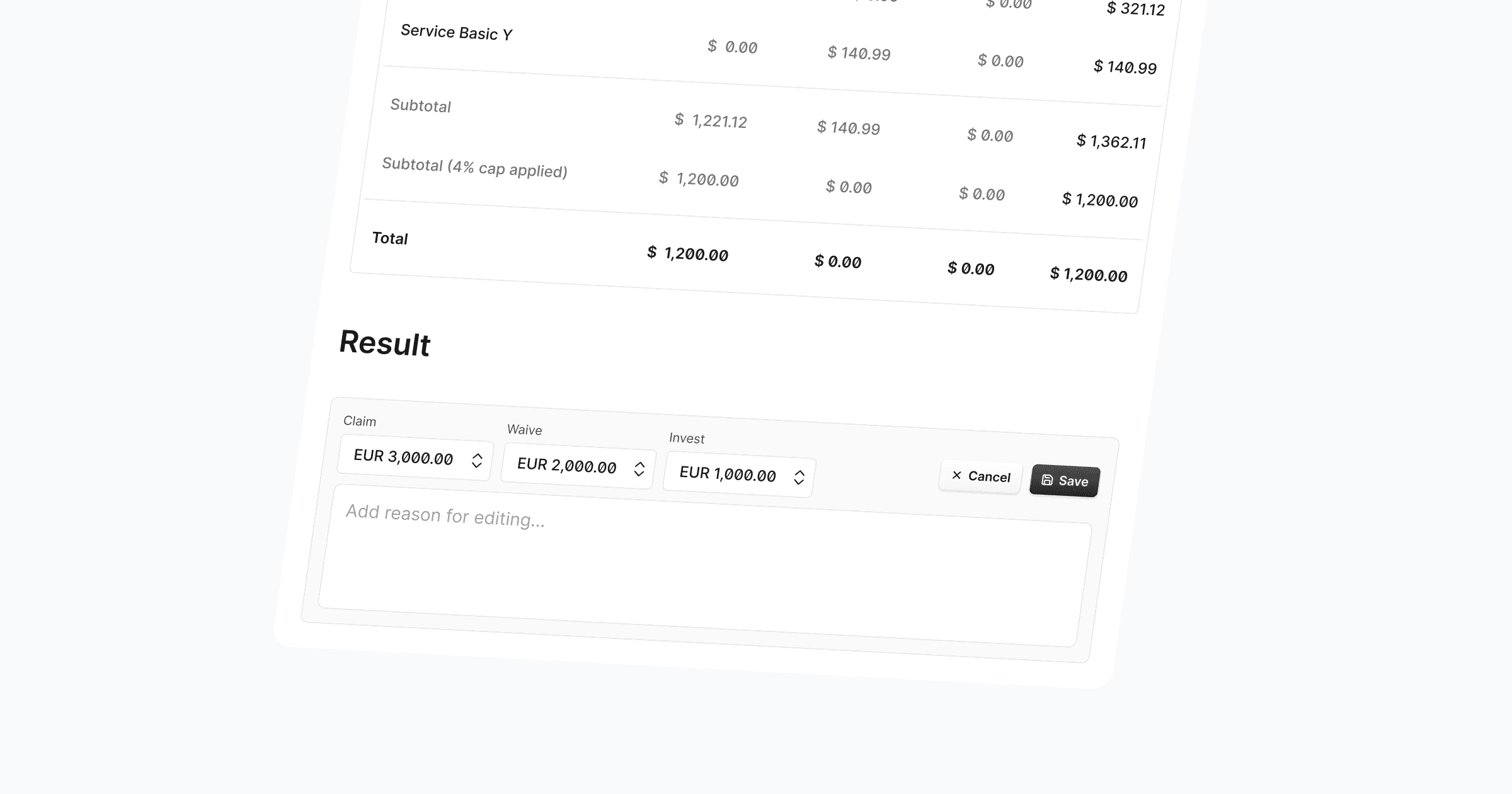
SLA Payments now support a third allocation type alongside Claim and Waive: Invest. When processing a payment, you can allocate a custom invest amount to reflect re-invested penalty budgets — visible in the payment detail view, the payments table, activity entries, and CSV exports.
Claim, Waive, and Invest can now also be edited as free-input fields without rigid validation, giving you the flexibility to handle real-world payment scenarios that don't always fit the strict reporting process.
Invest amounts are tracked in both contract and airline currency, consistent with how Claim and Waive already work.
Activity logs and notification emails now include invest details alongside claim and waive totals.
CSV exports include dedicated invest columns for both currencies.
This update gives airlines greater control over how penalty amounts are distributed — covering more use cases without workarounds.
Further Improvements
Bug fix: Airline icons uploaded as PNG failed to load in certain views. These now render correctly across the platform.

