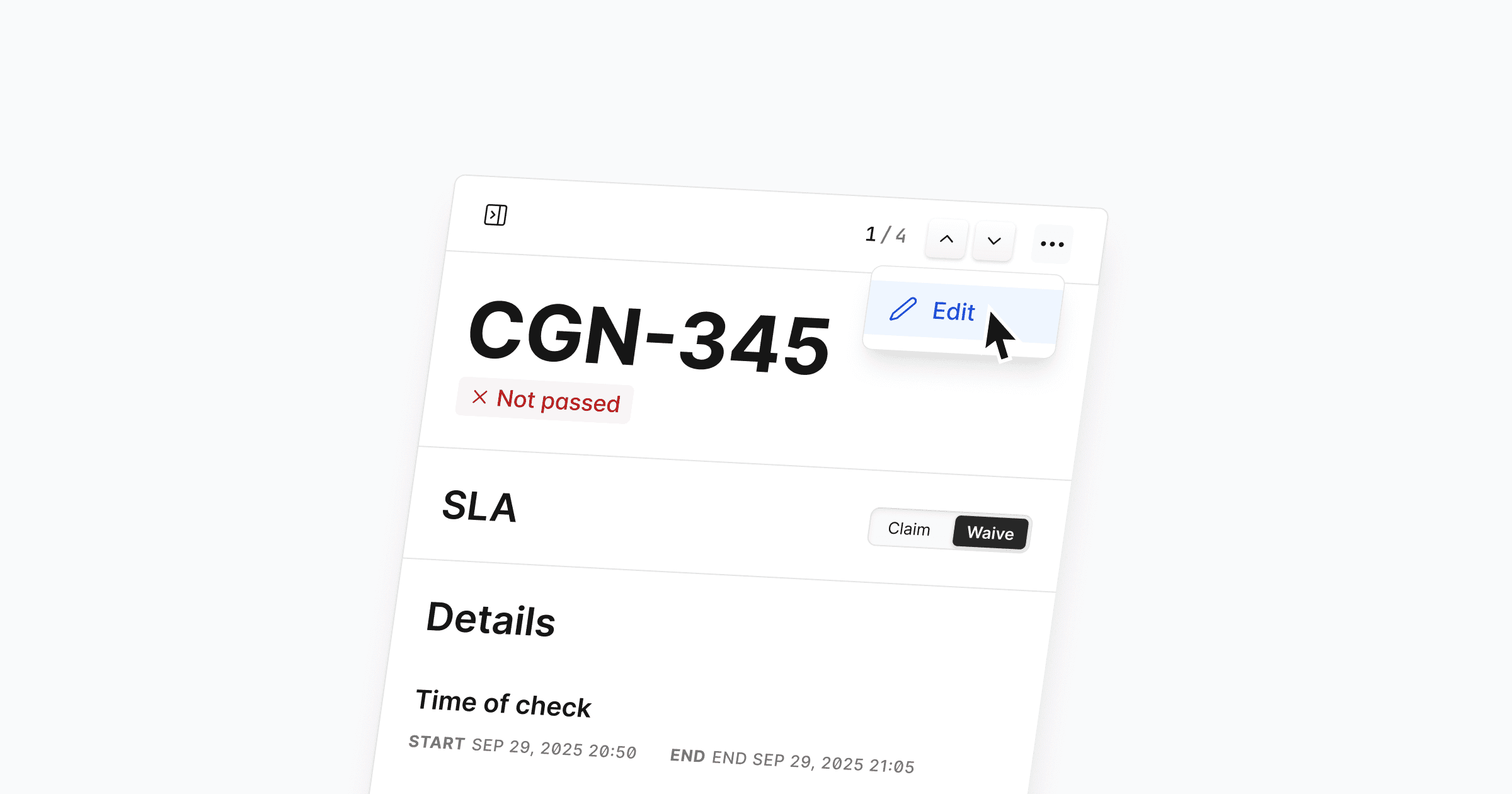
You can now edit Quality Checks, giving you more flexibility and control. This lets you correct previous mistakes, update wrong entries, and keep data accurate throughout the entire process. Editing works for all existing Quality Checks as long as they are not part of a closed report, so you can easily clean up past submissions without creating duplicates.
Simply open a Quality Check and click the three dots in the top right corner to edit.
Further Improvements
Usability: We removed the draft status and streamlined the entire workflow with a clearer structure and updated UI for a more consistent experience. Thanks for your feedback!
Usability: Claim/waive actions on Quality Checks now give clearer visual feedback when they succeed or fail, so you always know what happened.
Usability: The flow for overriding previous claim/waive actions has been improved, making it easier to understand and correct earlier decisions.
Fixes
Bug: Fixed an issue that caused an incorrect number of open Quality Checks to appear on the dashboard.

