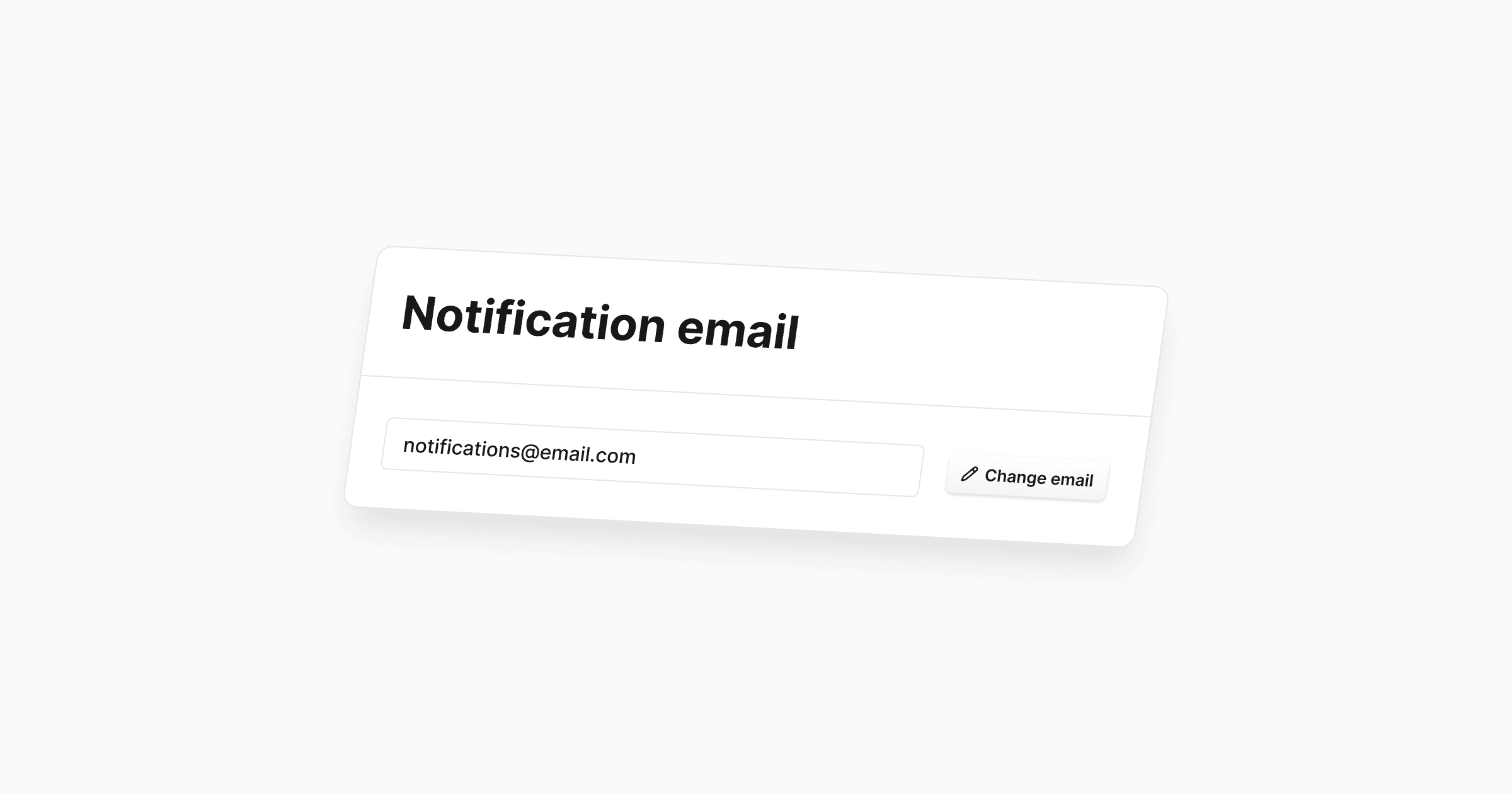
We’ve added more flexibility in how you can receive updates and notifications. You can now change your notification email anytime in the notification settings of the Cosmos app.
To protect privacy and security, any new notification email must be verified. Only verified addresses will receive notifications, keeping sensitive information from being misdelivered.
How to change your notification email in Cosmos
Go to Settings > Notifications, then click Change email.
Enter your new, valid email and click Send verification email.
Check your inbox and confirm your new notification email via the button in the verification email. You’ll be redirected to see if verification succeeded (you can always resend if needed).

